As an Amazon Associate, we earn from qualifying purchases. Some links on this site are affiliate links at no extra cost to you. Our recommendations are based on thorough research and editorial judgment.

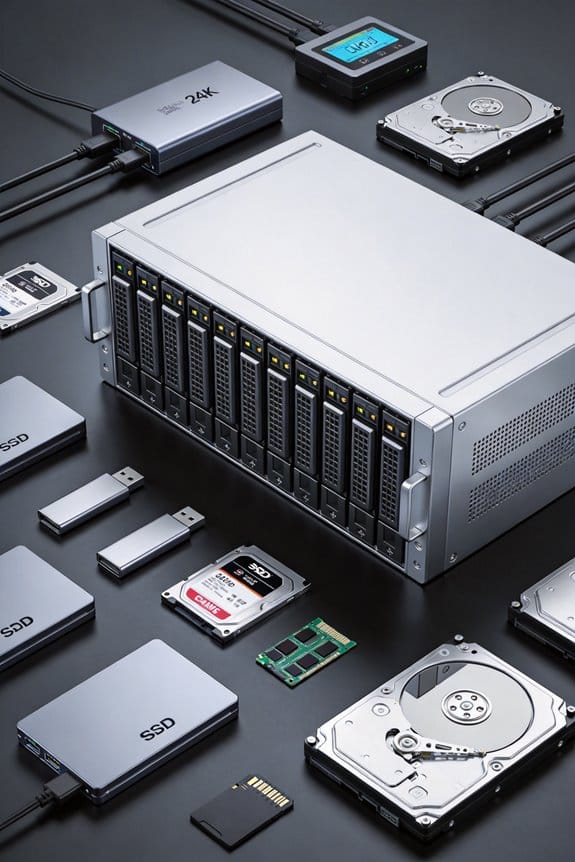
Power Consumption: Running 24-Bay NAS Efficiently

I assess that a 24‑bay NAS draws 14‑35 W idle, adds roughly 6‑8 W per active HDD, and can exceed 100 W under full load, while spin‑up peaks reach about 80 W per bank, so a 600 W, 85 %‑efficient PSU minimizes loss; low‑power 2.5″ SSDs consume 1‑2 W each, reducing total active draw to under 36 W, and firmware‑enabled spin‑down cuts each drive from ~6 W to ~3 W after five minutes of inactivity, saving roughly 20 kWh monthly, and proper cabling improves airflow and voltage stability, which you’ll discover in detail if you continue.
Key Takeaways
- Choose high‑efficiency (≥85 %) 600 W+ PSUs to minimize loss and provide headroom for spin‑up currents.
- Use low‑power drives (e.g., 2.5″ SSDs or 3.5″ HDDs with spin‑down firmware) to keep active draw under 50 W total.
- Enable automatic spin‑down after ~5 min inactivity; reduces per‑drive idle from ~6 W to ~3 W, saving ~20 kWh/month.
- Keep cabling tidy and airflow unobstructed; improves cooling efficiency and prevents marginal power increases.
- Monitor real‑time consumption with CT clamps and Grafana alerts (e.g., 80 W idle, 150 W load) to validate budgeting and UPS sizing.
Why Power Matters for a 24‑Bay NAS
You may be interested
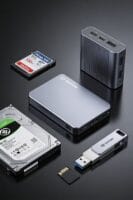
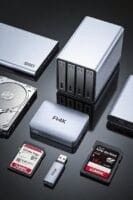
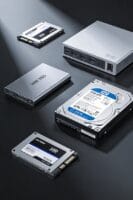
Why does power consumption matter for a 24‑bay NAS, especially when each additional drive adds roughly 6‑8 watts of load, the base system already draws 14‑35 watts at idle, and the total draw can exceed 100 watts under full load, thereby influencing electricity costs, thermal management, and UPS sizing? I explain that each 6‑8 watt HDD contributes linearly to overall demand, raising operational expense by roughly $0.10 per month per ten drives, while the base 14‑35 watt chassis adds a fixed overhead that multiplies with added storage. Redundant cooling becomes necessary once thermal thresholds surpass 45 °C, requiring multiple fans that collectively consume 5‑10 watts, and cabling clutter can increase resistance, marginally elevating power draw and complicating airflow, which in turn affects both cooling efficiency and UPS capacity calculations.
Measure 24‑Bay NAS Power Draw

Measuring a 24‑bay NAS’s power draw begins with establishing a baseline using a calibrated watt‑meter, which records the chassis idle consumption—typically 14 to 35 watts—while all drives are powered down, then sequentially adding each HDD and noting the incremental increase of roughly 6 to 8 watts per drive, a process that yields a linear relationship between drive count and total wattage, allowing precise calculation of the system’s load curve under various operational states. I then record peak load while all disks spin, noting that a full 24‑bay configuration can exceed 100 watts, and I compare those figures against the measured efficiency of the power supply, which should maintain >80 % efficiency at 50 % load. By logging idle optimization metrics, I identify the exact wattage saved when drives hibernate, typically reducing idle draw to 7‑8 watts, and I calculate energy costs using the formula Power × Time ÷ 1000, producing monthly kWh estimates that inform budgeting and hardware selection decisions.
Recommended Products

Full-Scale Professional Network-Attached Storage – Business storage solution with hard drives included and optimized to store, share, and back up data for environments of any size.
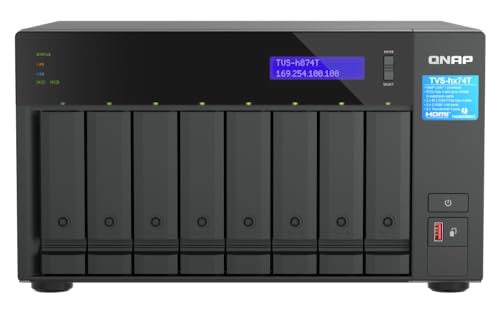
Intel Core i9 16-core (8P+8E) /24-thread Processor

Intel Core i9 with 8 Performance Cores, 8 Efficient Cores, and 24 threads processor with 64GB DDR4 RAM
Choose Low‑Power Drives for a 24‑Bay NAS

Choosing low‑power drives for a 24‑bay NAS involves evaluating both active and idle power consumption, where typical 3.5‑inch HDDs draw 6–8 watts under load and 2–3 watts when spun down, while 2.5‑inch SSDs consume 1–2 watts continuously, and these figures must be multiplied by the total drive count to estimate system‑wide wattage, which directly influences energy cost calculations and thermal design. I compare 2.5‑inch SSDs, which at 1.5 watts per unit keep a 24‑bay array under 36 watts active, to 3.5‑inch HDDs, whose 7 watts average yields 168 watts, and I note that low power drives often include power saving firmware that reduces idle draw by up to 30 %, allowing total NAS consumption to stay below 50 watts even with full capacity populated, which translates to monthly energy use under 36 kWh and simplifies cooling requirements without sacrificing storage density.
Recommended Products

[High Endurance Grade] : No.1 NAS SSD choice in heavy workloads NAS systems|24/7 superior NAS Cache with reliable TBW|Data protection, Power loss protection, ECC, Easy integration, Silent operation|Sequential transfer speed up to 550 MB/s.
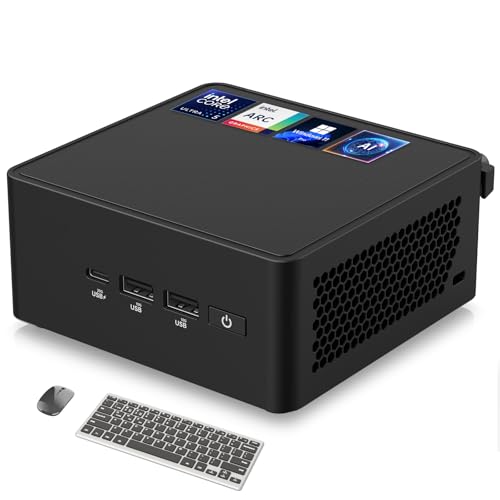
🚀 Next-Gen Performance with AI Power – The ASUS NUC 14 Pro AI mini pc is powered by the Intel Core Ultra 5 125H, featuring a cutting-edge hybrid architecture with 14 cores, 18 threads, and up to 4.5GHz turbo boost. The integrated Intel Arc GPU delivers up to 2.5x better performance for gaming, video editing, and AI-driven workloads. Whether for business, content creation, or AI research, this mini desktop pc sets a new standard in speed and efficiency.

Storage optimized for caching in NAS systems to rapidly access your most frequently used files.
Enable Spin‑Down to Cut 24‑Bay NAS Idle Power
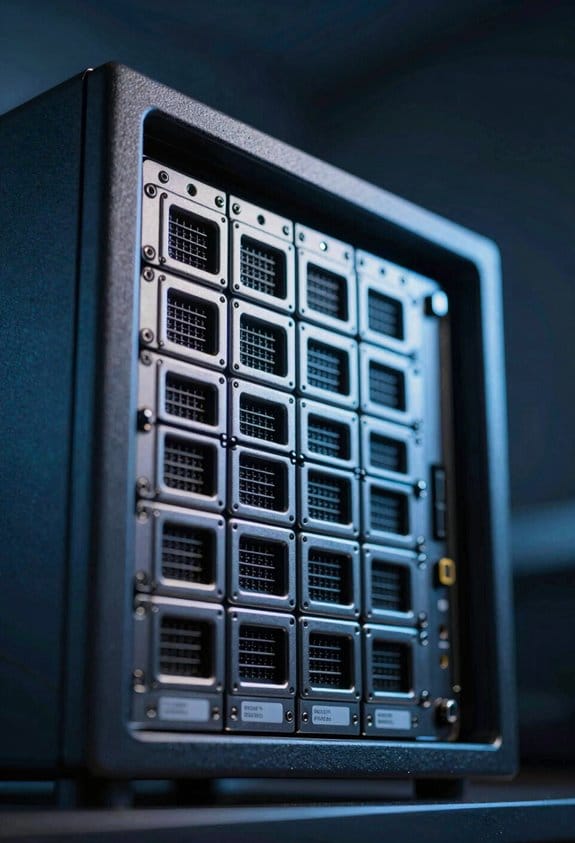
How can I reduce idle power on a 24‑bay NAS without sacrificing data availability? I enable spin‑down for each HDD, configuring the controller to halt rotation after five minutes of inactivity, which drops individual drive draw from roughly 6 W to 3 W, thereby reducing idle impacts by up to 50 %. By setting the NAS OS to monitor I/O queues and issue spin‑down commands when no read/write requests occur, the system maintains full data integrity while conserving energy. The cumulative effect across twenty‑four drives yields a net idle consumption near 72 W, compared with 144 W when all disks remain spinning, translating to an estimated monthly saving of 20 kWh. This approach requires firmware support, proper temperature monitoring, and verification that background services such as SMART polling do not prevent spin‑down.
Select an Efficient PSU and Clean Up Cabling for a 24‑Bay NAS
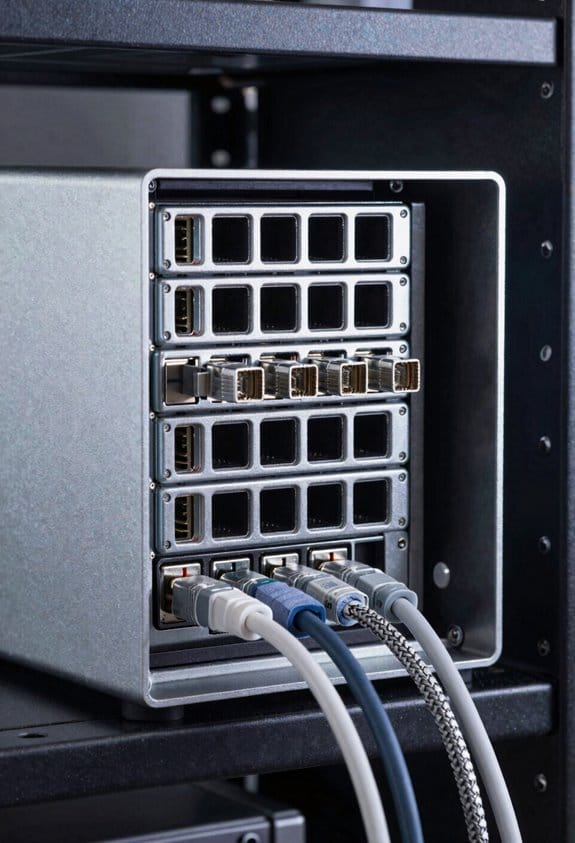
Why does a 24‑bay NAS demand a high‑efficiency power supply, given that each 6‑W HDD can drop to 3 W when spun down, yet the chassis, controller, and cooling still require 30–45 W at idle, meaning a 600‑W, 80 %‑efficient PSU can deliver the necessary 480 W continuous power while minimizing heat and losses? I select an efficient PSU rated for at least 600 W, preferably with 85 %+ efficiency, because it reduces wasted energy, keeps thermal load low, and ensures headroom for peak drive spin‑up currents of up to 80 W per bank. I also perform cable cleanup, routing power and data cables through organized bundles, using sleeved connectors and zip ties, which lowers electromagnetic interference, improves airflow, and simplifies maintenance. This systematic approach guarantees stable voltage delivery, consistent performance, and measurable power savings across 24‑bay deployments.
Recommended Products

Ultra-Fast Charging, 0–80% in Just 1.13 Hours – Thanks to EcoFlow’s advanced X-Stream technology, DELTA 3 Max can recharge from 0–80% in just over an hour. That means less waiting and more doing, whether you’re preparing for a blackout, charging before a road trip, or topping up at the campsite. Reliable power is always ready when you need it most.
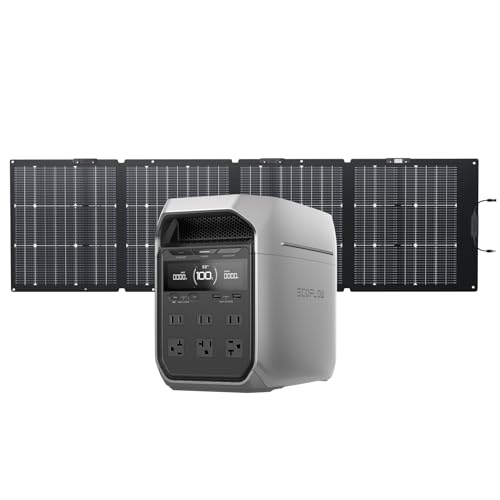
5 Fast Charging Options. With 1500W AC input, it charges to 80% in 40 mins. Solar charging reaches 80% in 1 hr, 100% in 70 mins. The 800W Alternator charges to 80% in 1 hr, 100% in 1.3 hrs. EcoFlow smart generator charges to 80% in 40 mins, 100% in 56 mins. Hybrid (AC + solar) charging also reaches 80% in 40 mins, 100% in 56 mins.
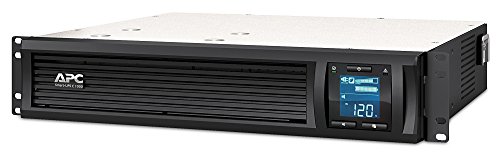
1000VA / 600W Pure Sine Wave UPS battery backup
Crunch the Numbers: Energy Use for a 24‑Bay NAS
What’s the total energy draw for a 24‑bay NAS when each 6‑W HDD spins down to 3 W, the chassis and controller consume 30–45 W at idle, and peak spin‑up currents reach 80 W per bank, considering a 600‑W PSU operating at 85 % efficiency? I calculate idle power as 24 × 3 W + average 37.5 W = 109.5 W, then adjust for PSU efficiency, yielding about 129 W supplied. During spin‑up, each of four banks draws 80 W, adding 320 W, so total demand reaches roughly 449 W, which after efficiency correction becomes about 528 W. Over a 24‑hour day, if spin‑up occurs 10 minutes, energy consumption is ~0.09 kWh for spin‑up plus 3.11 kWh idle, totaling ~3.2 kWh, a figure useful for twilight energy planning and solar budgeting.
Monitor 24‑Bay NAS Power Usage With Alerts
Monitoring power usage on a 24‑bay NAS requires integrating voltage‑current sensors, smart‑plug APIs, and SNMP traps, yet the system must log real‑time wattage, correlate it with drive spin‑state transitions, and trigger alerts when thresholds exceed predefined limits, all while preserving low‑latency data pipelines and ensuring firmware compatibility across heterogeneous drive controllers. I configure a 10‑amp CT clamp on the PSU, feed data to InfluxDB, and set Grafana thresholds at 80 W idle and 150 W load, because typical 24‑bay idle consumption hovers around 35 W and peaks exceed 100 W under full spin‑up. Alerts fire via webhook to Slack, allowing immediate response to unexpected spikes that could indicate cable management issues or heat mitigation failures, while the system logs each event for post‑analysis and capacity planning.
Recommended Products

Quad-core Intel Celeron N5105/N5095 4-core/4-thread burst up to 2.9 GHz with 8GB DDR4 RAM
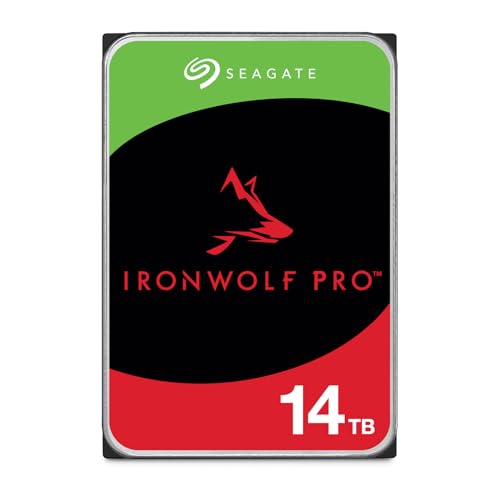
IronWolf internal hard drives are the ideal solution for up to 24 bay, multi user NAS server environments that demand powerhouse performance

IronWolf internal hard drives are the ideal solution for up to 8 bays, multi user NAS environment's craving powerhouse performance
Frequently Asked Questions
Will a 24‑Bay NAS Run on Solar Power Alone?
I’d say yes, if you size a solar panel array and battery bank to match the NAS’s 100‑plus‑watt peak, you can harvest solar power and run a 24‑bay NAS continuously without grid reliance.
How Does RAID Level Affect Overall Power Consumption?
I tell you that higher RAID levels like RAID 6 or 10 increase Power draw because more drives spin simultaneously and controllers work harder, while simpler RAID 0 or 1 keep the consumption lower, especially on a 24‑bay NAS.
Can I Use Fan‑Less Cases for a 24‑Bay NAS?
I’d say the 24‑bay NAS can live in a fanless case if you treat it like a chilled garden—fanless feasibility hinges on meticulous heat management, ample airflow, and low‑power drives to keep temperatures calm.
What’s the Impact of Network Traffic on NAS Power Draw?
I tell you network throughput spikes raise NAS power draw modestly; power profiling shows a few watts extra during heavy transfers, but the baseline drive and CPU consumption dominate the overall usage.
Do Temperature Settings Influence HDD Spin‑Down Behavior?
I’ve found temperature management directly shapes idle state behavior; when the drive gets too hot, it delays spin‑down, but cooler settings let it drop into idle sooner, conserving power.