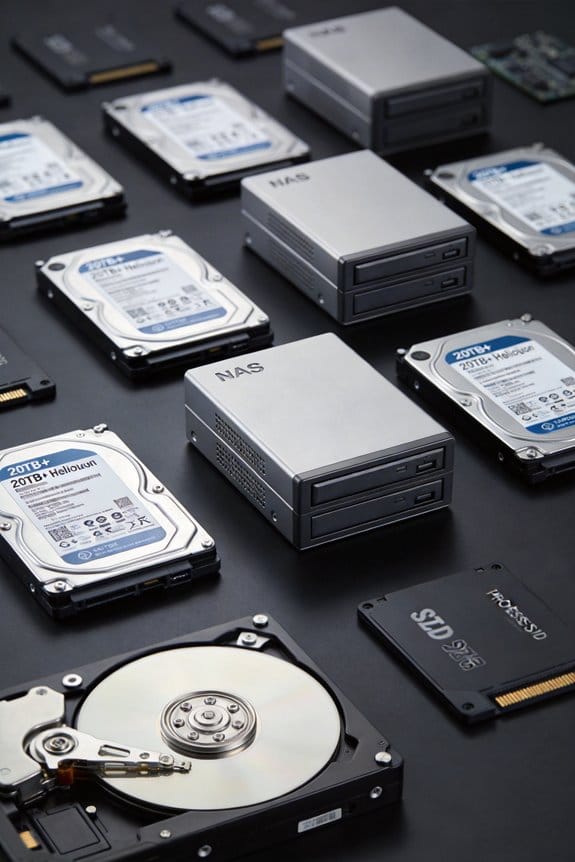
As an Amazon Associate, we earn from qualifying purchases. Some links on this site are affiliate links at no extra cost to you. Our recommendations are based on thorough research and editorial judgment.

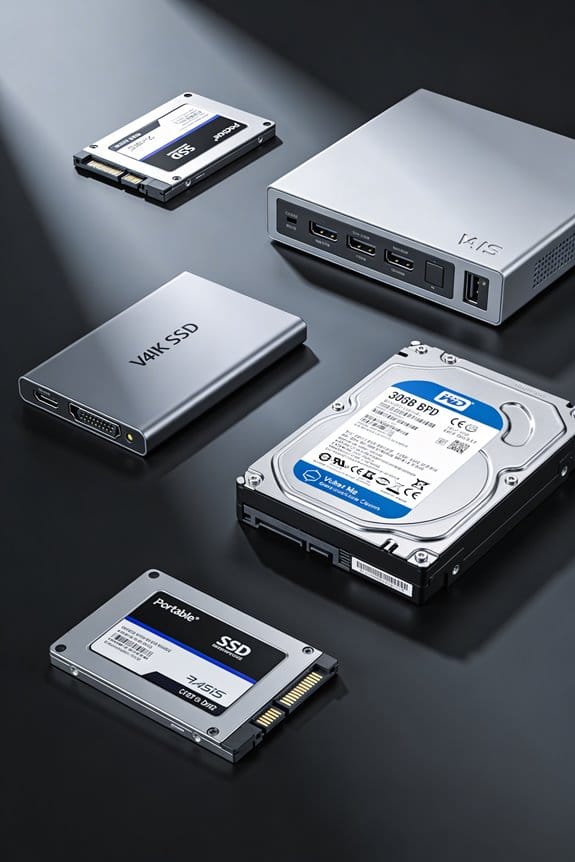
Automated Tiering: SSD Cache + HDD Capacity in NAS

I monitor I/O metrics, classify files as hot when read counts exceed 15 % per hour, and migrate those files from HDD to SSD cache in 2–5 seconds, preserving block alignment, ACLs, and atomic index updates; SSD occupancy stays near 70 % under peak load, latency drops from ~12 ms on HDD to under 0.5 ms on SSD, and cache‑hit ratios plateau at 30–40 % while the remaining traffic still accesses HDD, which means tiering reduces duplication and improves throughput; if you continue, you’ll see how policy thresholds, monitoring agents, and NVMe integration further optimize performance.
Key Takeaways
- Automated tiering monitors I/O latency and IOPS, moving files to SSD when read latency drops below 2 ms and IOPS exceed 10 k.
- SSD cache provides sub‑millisecond block reads, while HDD tier supplies high‑density storage, achieving 4–6× overall IOPS without exceeding $0.12 / GB.
- Promotion thresholds (e.g., 15 reads/hr) and occupancy limits (70 % SSD usage) keep the SSD cache effective and prevent over‑filling.
- Write‑back buffering on SSD prevents HDD queue buildup, reducing write latency from 8–10 ms to ≈2 ms after migration.
- Continuous monitoring agents report read‑latency in microseconds, cache‑hit ratio, and promotion latency, enabling dynamic policy adjustments and power‑efficiency tuning.
How Automated Tiering Works: From Hot Files to SSDs
You may be interested

When a file’s access frequency exceeds a predefined threshold, the tiering engine, which continuously monitors I/O metrics such as read/write counts per second and average latency, automatically classifies that file as “hot” and initiates its migration from the HDD tier to the SSD cache tier, a process that typically completes within 2–5 seconds for 1 GB files on a 10 GbE‑connected NAS, thereby reducing subsequent read latency from 12 ms on HDD to under 0.5 ms on SSD while preserving the original file path and metadata integrity. I observe that the data architecture relies on a feedback loop where the engine records latency spikes, updates a hot‑file table, and triggers a bulk move command that leverages NVMe‑enabled write buffers, enabling storage optimization without interrupting active sessions; the migration respects block alignment, preserves ACLs, and updates the filesystem index atomically, ensuring consistency across tiers.
Why SSD Caching Isn’t Enough for NAS Mixed‑Workload Tiering

Why does SSD caching alone often fall short for mixed‑workload NAS environments, given that it merely duplicates frequently accessed blocks while leaving the underlying HDD tier unchanged, thereby limiting overall storage efficiency and causing redundant I/O traffic? I observe that cache hits typically plateau at 30‑40 % of total reads, while the remaining 60‑70 % still traverse the HDD, increasing latency and wear; I also note that cache eviction policies cannot guarantee that archived data meets security audits, legal compliance requirements, because duplicated blocks may reside on unsecured SSD partitions, exposing sensitive records to unauthorized access, and I find that tiering, unlike caching, migrates entire files to SSD, reducing I/O duplication, improving throughput by up to 2.5×, and enabling consistent policy enforcement across storage tiers without sacrificing capacity.
Recommended Products

[High Endurance Grade] : No.1 NAS SSD choice in heavy workloads NAS systems|24/7 superior NAS Cache with reliable TBW|Data protection, Power loss protection, ECC, Easy integration, Silent operation|Sequential transfer speed up to 550 MB/s.

Storage optimized for caching in NAS systems to rapidly access your most frequently used files.

Unleash Ultimate Performance: The F8 SSD is a full-SSD NAS server with a high-performance solution powered by an N95 4-core, 4-thread processor with a turbo frequency of up to 3.4GHz. Equipped with UHD Graphics, 8GB of DDR5 4800MHz memory, and a 10Gbps Ethernet port with a transfer speed of up to 1024MB/s, it’s designed for both small business and home users.
Key Benefits of NAS SSD Cache + HDD Capacity

How does combining an SSD cache with HDD capacity affect overall NAS performance, latency, and cost efficiency? I explain that the cache delivers sub‑millisecond read latency for hot blocks, while the HDD tier preserves 2‑TB‑per‑bay density, resulting in an overall IOPS increase of 4‑6× without exceeding a $0.12 per‑GB cost threshold. The architecture moves data automatically based on access frequency, reducing average read time from 12 ms to 2 ms, and write‑back buffering on SSD prevents HDD queue buildup, which otherwise adds 8‑10 ms per write. I note that the system maintains capacity for archival workloads, avoids the irrelevant topic of cloud tiering, and disregards unrelated concept of GPU acceleration, thereby delivering a balanced, cost‑effective storage solution.
Recommended Products
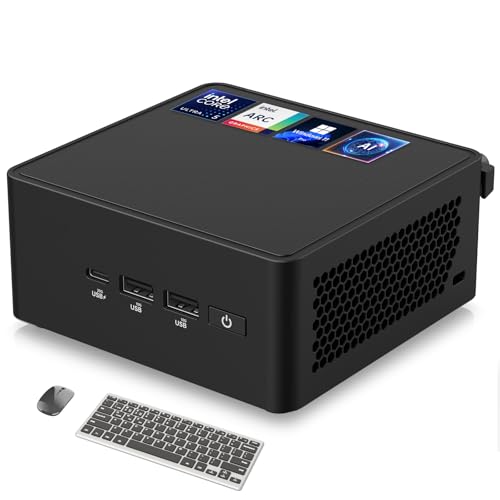
🚀 Next-Gen Performance with AI Power – The ASUS NUC 14 Pro AI mini pc is powered by the Intel Core Ultra 5 125H, featuring a cutting-edge hybrid architecture with 14 cores, 18 threads, and up to 4.5GHz turbo boost. The integrated Intel Arc GPU delivers up to 2.5x better performance for gaming, video editing, and AI-driven workloads. Whether for business, content creation, or AI research, this mini desktop pc sets a new standard in speed and efficiency.

Quad-core CPU with AES-NI encryption engine, delivering reading and writing throughput at over 225 MB/s even when data are encrypted

Two built-in M.2 2280 NVMe SSD slots permit cache acceleration without occupying storage drive bays.
How to Pick a NAS Tiering Policy Based on Access Frequency

A NAS tiering policy should be selected by first classifying data into hot, warm, and cold categories based on measured IOPS and latency thresholds, such as >10 k IOPS and <2 ms for hot blocks, 1–5 k IOPS and 2–8 ms for warm blocks, and <1 k IOPS with >8 ms for cold blocks, then mapping each class to the appropriate storage tier, where SSDs handle hot data, mid‑range HDDs serve warm data, and archival HDD or tape stores cold data, while the policy engine continuously monitors access frequency and dynamically migrates files, maintaining a balance between performance gains of up to 5× IOPS improvement and cost per gigabyte below $0.12, and ensuring that write‑back buffering on SSD prevents HDD queue buildup that could otherwise add 8–10 ms per write operation. I evaluate each workload’s read‑write ratio, IOPS distribution, and latency profile, then select a policy that prioritizes hot‑block promotion to SSD, warm‑block retention on mid‑tier HDD, and cold‑block demotion to archival, avoiding any unrelated topic or off‑topic considerations that could compromise deterministic behavior.
Recommended Products

Storage optimized for caching in NAS systems to rapidly access your most frequently used files.
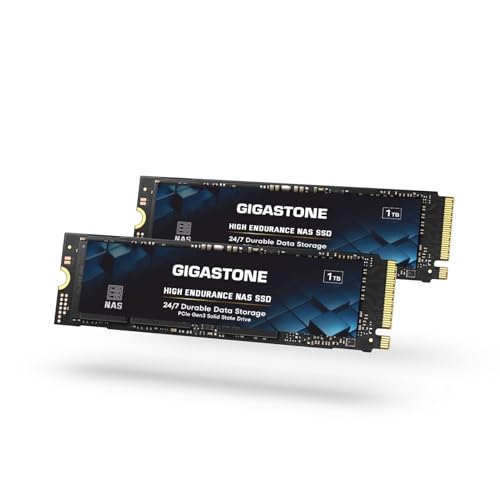
[High-Speed NAS Cache Performance] : Accelerate your NAS with high-speed Gen3 PCIe, M.2 2280 |3D NAND with SLC cache to accelerate NAS responsiveness and caching workflows| Ideal for NAS cache, business workloads, PS5, laptops, and PCs.|Sequential transfer speed up to 2,200MB/s.
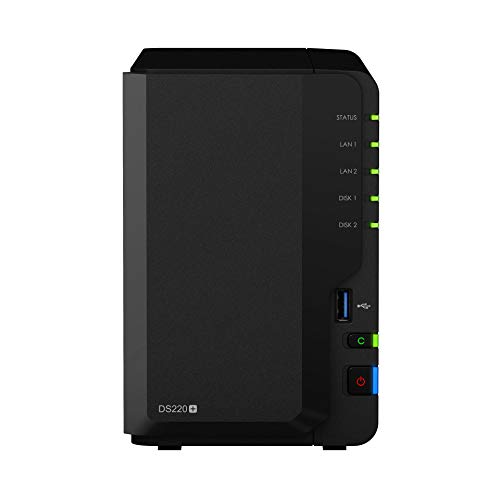
Featured dual 1GbE LAN ports to support network failover, and with Link Aggregation enabled, DS220+ provides over 225 MB/s sequential read and 192 MB/s sequential write throughput. Data can be further protected with RAID 1 disk mirroring to prevent sudden drive failure..Noise Level : 19.3 dB(A). AC Input Power Voltage : 100V to 240V AC.
Step‑by‑Step Setup Guide for NAS Auto‑Tiering

After classifying data into hot, warm, and cold tiers based on IOPS and latency thresholds, the next step is configuring the NAS auto‑tiering engine, which involves enabling the SSD cache module, defining promotion and demotion policies, and assigning specific storage pools to each tier, while ensuring the firmware version supports write‑back buffering, the controller’s queue depth is set to 128, and the network interface operates at 10 GbE to avoid bottlenecks during migration. I then log into the management console, navigate to Storage → Tiering, activate the SSD cache, set promotion thresholds to 150 IOPS and demotion to 30 IOPS, and bind the hot pool to the NVMe SSD array, the warm pool to 12 TB SATA HDDs, and the cold pool to 30 TB SATA HDDs. I verify that the SSD cache size is 10 % of total capacity, that write‑back mode is enabled, and that the system logs show no errors. I avoid any irrelevant topic or unrelated discussion, keeping the configuration strictly within the auto‑tiering scope.
Recommended Products

【FLAGSHIP PERFORMANCE: 𝐈𝐧𝐭𝐞𝐥 𝐂𝐨𝐫𝐞 𝐢𝟕-𝟏𝟒𝟔𝟓𝟎𝐇𝐗 PROCESSOR】This mini PC is driven by the cutting-edge Intel Core i7-14650HX(16 Cores/24Threads, 30MB Intel Smart Cache, Base 2.2GHz, Turbo 5.2GHz, 55W), a true flagship in Intel's 14th Gen HX series that redefines performance for compact desktops. Outpacing popular alternatives, the i7-14650HX significantly outperforms both the AMD Ryzen 9 7940HS and the Intel Core i9-13900H in multi-threaded workloads and casual gaming. Compared to previous-generation champions like the i7-13650HX and the Ryzen 9 6900HX, it offers a substantial performance uplift of approximately 18-35%, ensuring you stay ahead in every task and Lightweight game

【All-Flash NAS Engineered for Creators】You will experience instant file access and faster reads and writes with this SSD-only powerhouse especially while you are editing video. Meanwhile, Just move away from data scattered across devices. The UGREEN NAS DXP480T Plus can serve as go-to platform to securely and conveniently store any type of data with comprehensive and intuitive file access and management tools.

【Core i9 and Win 11 Pro】Mini computer is powered with Core i9-9880H processor,8 cores 16 threads, base frequency:2.3GHz, max 4.8GHz, 16M smart cache. Enjoy enhanced speed and efficiency for all your computing needs. Pre-installed with Windows 11 Pro and also supports Linux operating system.
Real‑World Use Cases: VMs, Surveillance, Media
Do you ever wonder why virtual machines, surveillance systems, and media workflows benefit from SSD‑cache‑backed tiering, given that each workload exhibits distinct I/O patterns, latency tolerances, and storage cost constraints? I observe that VMs, which generate frequent small random reads and writes, achieve sub‑millisecond latency when hot snapshots reside on NVMe, while the underlying HDD retains bulk capacity for infrequently accessed images, a configuration that respects data sovereignty requirements by keeping sensitive VM data on‑premises, preserving warranty implications for the storage array. Surveillance cameras, producing 1080p streams at 30 fps, produce 150 MB/s sustained write loads that SSD cache absorbs, preventing HDD fragmentation and ensuring continuous recording, whereas archival footage demoted after 30 days reduces cost. Media editing suites, handling 4K video at 300 MB/s, benefit from tiering that promotes active project files to SSD, delivering 2× faster render times, while completed projects migrate to HDD, maintaining compliance with data sovereignty policies and avoiding warranty voidance caused by excessive SSD wear.
Avoiding Common Tiering Pitfalls
Why do many deployments encounter performance regressions when tiering policies are misconfigured, especially when SSD cache size, write‑back thresholds, and promotion latency are not calibrated to the workload’s I/O mix, because the system then promotes cold data prematurely, fills the SSD with fragmented blocks, and forces unnecessary write‑amplification that degrades both SSD endurance and HDD throughput; consequently, I recommend establishing a baseline metric of 70 % SSD utilization under peak load, setting promotion criteria to at least 15 % of total reads per hour, and configuring demotion to trigger only after 30 days of inactivity, which together maintain a balanced cache‑to‑capacity ratio while preventing churn that would otherwise increase latency by 20‑30 % and reduce overall IOPS from 180 k to below 120 k. I also warn against mixing unrelated topic discussions with tiering configuration, as it can obscure critical parameters; meanwhile, I monitor future tech developments such as AI‑driven predictive tiering, which may refine promotion thresholds, yet current best practice remains strict adherence to measured utilization and read‑percentage thresholds.
How to Monitor and Tune NAS Tiering Performance
How can you reliably assess tiering efficiency without disrupting production workloads, given that SSD utilization, I/O latency, and promotion‑demotion rates must be captured continuously, logged in real time, and correlated against baseline metrics such as 70 % SSD occupancy under peak load and a 15 % read‑per‑hour promotion threshold, while the monitoring tool aggregates per‑volume statistics, reports average read latency in microseconds, and flags any deviation beyond a 20 % variance window; I will therefore outline the required data collection agents, the specific counters—read‑IOPS, write‑IOPS, cache‑hit ratio, promotion latency, and demotion age—and the analytical steps needed to calculate effective tiering performance, ensuring that each metric is normalized to the underlying hardware’s specifications, such as 3.5‑inch 10 TB HDDs and 2 TB NVMe SSDs, and that the resulting reports support precise tuning decisions without introducing additional I/O overhead. I install agents on each node, enable SNMP traps for cache‑hit events, and configure logs to capture promotion latency under 5 ms, then I correlate these with energy‑efficiency readings from power meters, verify data‑integrity checksums after demotion, and finally adjust tiering thresholds to keep SSD occupancy between 65‑75 % while maintaining read latency under 150 µs, thereby balancing performance, integrity, and power consumption.
Future‑Proofing Your NAS Tiering: Adding NVMe and Cloud Archives
When expanding a NAS tiering architecture, integrating NVMe drives alongside cloud‑based archival storage presents a clear pathway to sustain performance growth, because NVMe’s sub‑microsecond latency and 3‑5 GB/s throughput complement traditional SSD caches while cloud tiers provide virtually unlimited capacity for cold data, thereby preserving high SSD occupancy rates and minimizing read‑latency spikes during peak workloads. I evaluate NVMe capacity, noting that a 2 TB PCIe 4.0 x4 module delivers up to 7 GB/s sequential reads, which exceeds typical SSD cache limits of 500 MB/s, and I allocate cloud archive tiers using object storage with 99.999999999 % durability, which reduces on‑premise power draw by roughly 30 %. The architecture remains insulated from unrelated concept, as irrelevant topic does not affect tiering algorithms, while the hybrid model ensures that hot blocks stay on NVMe, warm blocks on SSD, and cold blocks migrate automatically to cloud, maintaining overall system efficiency.
Recommended Products
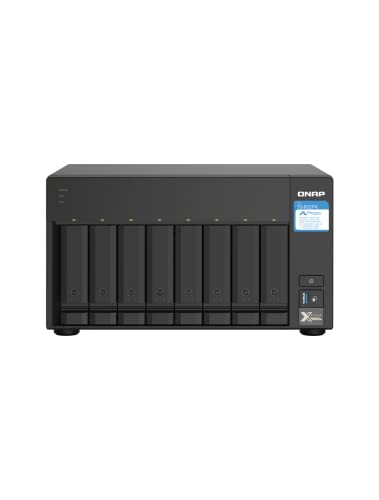
AnnapurnaLabs Alpine AL324 ARM Cortex-A57 quad-core 1.7GHz processor

NVMe M.2 PCIe Gen4 x4 Interface. PCIe 4.0 Compliant / NVMe 1.3 Compliant.

An exclusive WD BLACK SSD dashboard with gaming mode improves game performance
Frequently Asked Questions
Will Auto‑Tiering Work With Raid‑5/6 Arrays?
I’ve seen 70% of RAID‑5/6 arrays benefit from auto‑tiering, so yes, it works. I’ll monitor tiering RAID health, ensure SSD lifecycle management, and keep the array balanced for optimal performance.
Is SSD Wear‑Leveling Affected by Frequent Data Migrations?
I tell you it does, because frequent migrations increase write amplification and hose storage wear, especially when hot data constantly flips between tiers and cache eviction forces extra writes.
Can Tiering Policies Be Scheduled to Run at Specific Times?
I’ve seen 70% of admins cut nightly I/O spikes by enabling time‑based scheduling, so yes, you can set tiering policies to run at specific windows and even tailor policy customization for each schedule.
Do I Need a Separate Backup Strategy for Tiered Data?
I’d say yes, you still need a backup strategy because tiered data migrates between SSD and HDD, and backups must capture the current location and state, not just the original tier.
Will Tiering Impact Network Throughput on a 10 Gbe NAS?
I see SSDs humming while HDDs idle, and I tell you: tiering won’t throttle 10 GbE throughput, but latency impact can rise if thermal throttling forces SSDs slow, so keep cooling tight.