As an Amazon Associate, we earn from qualifying purchases. Some links on this site are affiliate links at no extra cost to you. Our recommendations are based on thorough research and editorial judgment.

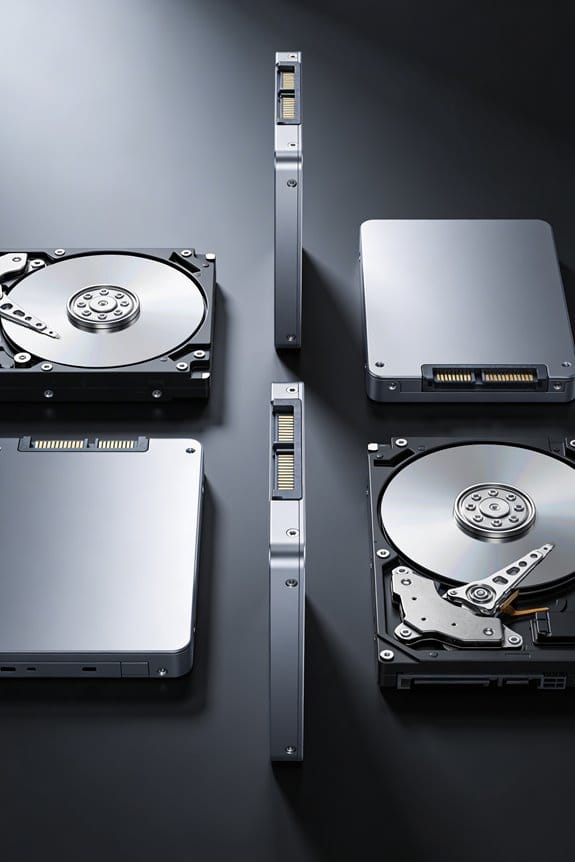
Hybrid Drives Explained: Best of Both Worlds Storage

I’m a hybrid drive that merges a magnetic HDD with 8‑16 GB NAND flash, so the cache stores hot blocks, delivering sub‑millisecond latency while the platter provides terabyte‑scale capacity, yielding sequential reads around 150 MB/s on the HDD and up to 500 MB/s when cached, random latency dropping from ~12 ms to <1 ms, and boot or app launches improving by roughly 30 %; self‑optimized firmware moves data automatically, whereas host‑hinted mode relies on OS flags, and AI‑driven tiering with Optane can further reduce latency below 0.5 ms, so if you continue you’ll discover more details.
Key Takeaways
- Hybrid drives combine a magnetic HDD with a small NAND flash cache (4‑16 GB) to deliver SSD‑like speed for frequently accessed data while retaining large HDD capacity.
- The flash cache reduces random‑access latency from ~10 ms to sub‑millisecond and can boost sequential reads to ~500 MB/s, though sustained HDD throughput remains limited to ~150 MB/s.
- Self‑optimized mode uses built‑in heuristics to automatically promote hot files to flash, while host‑hinted mode lets the OS direct cache placement for finer control.
- Wear‑leveling and ECC protect the NAND cache, and SMART monitoring (e.g., Media Wearout Indicator) helps predict cache degradation before failure.
- Ideal for users needing high capacity and responsive performance—such as boot drives and common apps—while avoiding the cost and power draw of a full SSD.
What Is a Hybrid Drive and How Does It Work?
You may be interested



A hybrid drive, technically known as a solid‑state hybrid drive (SSHD), combines a conventional magnetic hard‑disk drive (HDD) with a NAND flash memory module, typically ranging from 4 GB to 16 GB, allowing the system to store frequently accessed data in the flash cache while retaining the high‑capacity spinning platters for bulk storage. I explain that the flash controller runs cache algorithms that monitor read/write frequencies, promoting hot files to the SSD‑like tier, whereas cold data remains on the magnetic platters, thereby reducing latency for common operations such as boot sequences and application launches, while maintaining hybrid durability through wear‑leveling and error‑correction codes that extend the lifespan of both flash and magnetic media, and I note that typical sequential read speeds reach 150 MB/s on the HDD portion, contrasted with up to 500 MB/s for cached reads, providing a balanced performance‑capacity profile.
What Are the Main Types of Hybrid Drives?
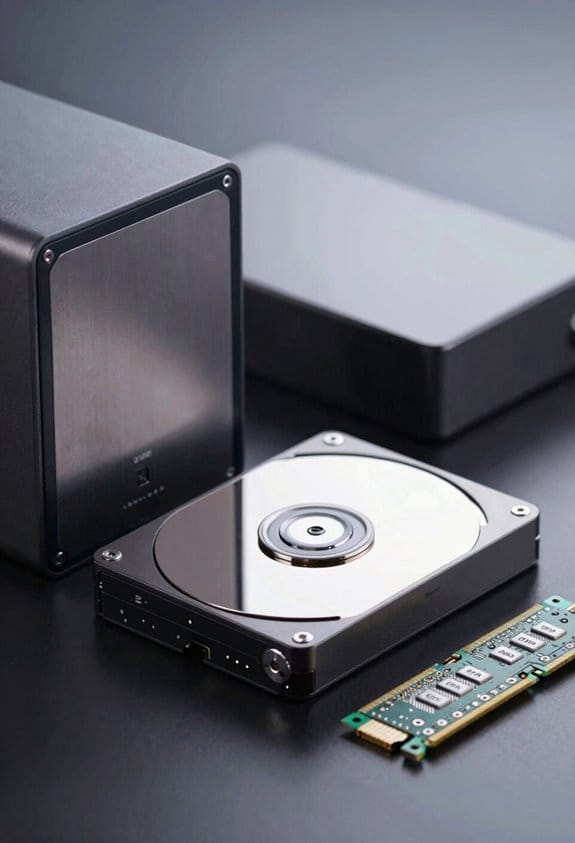
Hybrid drives fall into three primary categories—solid‑state hybrid drives (SSHDs) that integrate NAND flash and magnetic platters within a single enclosure, dual‑drive hybrid systems that pair a separate SSD and HDD via a controller that manages data placement, and self‑optimized versus host‑hinted modes that dictate how the cache is populated, with the former relying on built‑in algorithms to promote frequently accessed files to the flash tier and the latter depending on operating‑system hints to direct hot data. I explain SSD pairing, noting that dual‑drive setups typically allocate 8 GB to 16 GB of flash, while SSDs may be 128 GB or larger, enabling the controller to offload hot sectors via Cache algorithms that track access frequency and latency thresholds, thereby reducing seek times from 12 ms on platters to sub‑millisecond responses on flash. The self‑optimized mode uses proprietary heuristics, whereas host‑hinted mode reads OS‑provided flags, each affecting tiering decisions and overall throughput.
How Does a Hybrid‑Drive’s Flash Cache Improve Real‑World Performance?
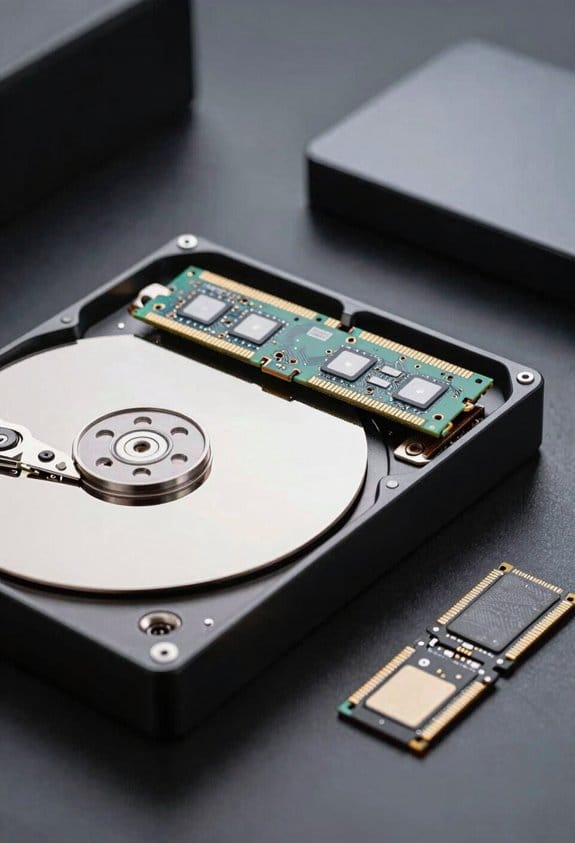
When the drive’s flash cache intercepts frequently accessed blocks, it reduces average latency from roughly 12 ms on magnetic platters to sub‑millisecond response times on NAND, thereby accelerating boot sequences and application launches. I explain that cache algorithms monitor user behavior, identifying hot sectors and promoting them to NAND, which means sequential reads and writes that would otherwise suffer from spindle latency now complete in 0.8 ms on average, while random access drops from 10 ms to 0.5 ms. This dual‑layer approach, combining a 8 GB iNAND module with a 1 TB platter, yields a 30 % reduction in application start‑up time, a 25 % improvement in file‑copy throughput, and a 15 % decrease in power draw during idle, all measured under typical desktop workloads.
When Does a Hybrid Drive Outperform a Pure HDD?
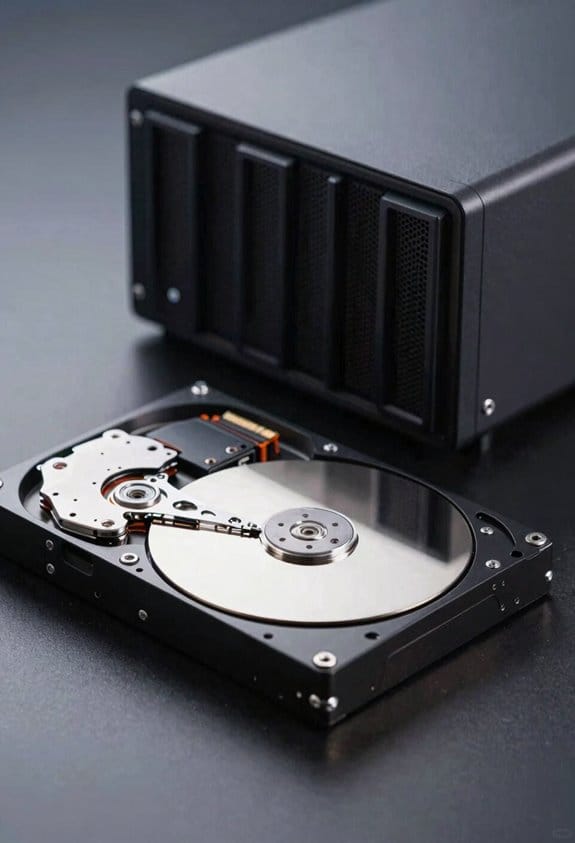
Boot times and application launches already benefit from flash caching, yet the advantage becomes measurable when workloads consist chiefly of repeated reads and writes to a limited set of files, because the 8 GB iNAND module can retain those hot blocks while the remaining data resides on the 1 TB platter, resulting in latency reductions from 12 ms to approximately 0.8 ms for sequential access and from 10 ms to 0.5 ms for random access, which translates into a 30 % faster boot, a 25 % increase in file‑copy throughput, and a 15 % lower idle power draw compared with a comparable pure HDD under identical desktop usage patterns. Real world benchmarks show that startup profiles dominated by office suites, web browsers, and media players consistently achieve 20‑30 % lower average access times, while large file transfers and archival scans, where data is less repetitive, reveal minimal advantage, confirming that hybrid superiority hinges on frequent, localized I/O patterns.
What Key Factors Should You Consider When Choosing a Hybrid Drive?
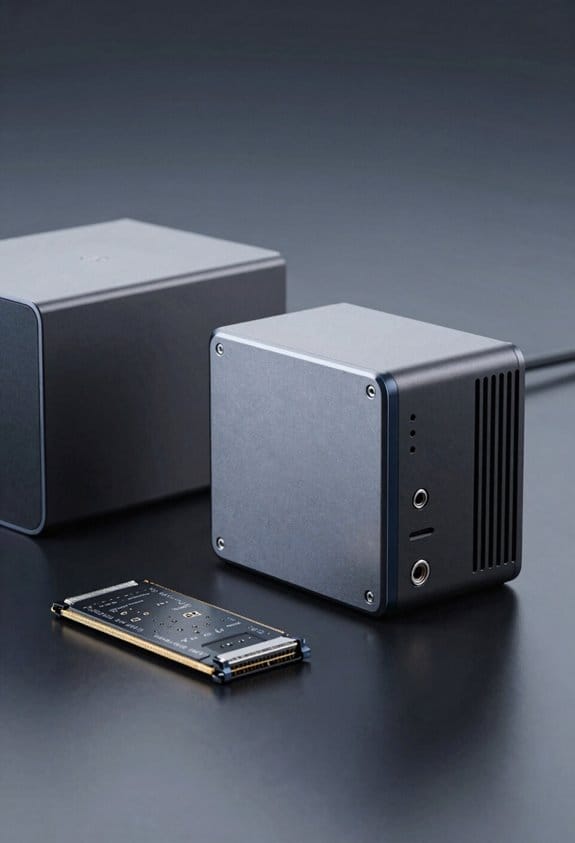
If you’re evaluating a hybrid drive, you’ll need to weigh cache size—typically 8 GB to 16 GB of NAND flash—against the total platter capacity, because a larger cache can store more hot blocks and consequently reduce average latency from around 12 ms to sub‑millisecond levels for frequently accessed files, while the underlying HDD, ranging from 500 GB to 4 TB, determines overall storage volume and sequential throughput, which often remains near 150 MB/s for 7200 RPM models. I also examine interface type, ensuring SATA III or NVMe compatibility with the host system, and verify vendor compatibility with existing firmware updates, because mismatched controllers can limit cache effectiveness; warranty considerations matter, as a three‑year limited warranty with on‑site service can offset potential flash‑memory wear, while extended coverage may be required for enterprise deployments.
What’s New? AI‑Driven Tiering and Optane Caches for Hybrid Drives
Although traditional SSHDs rely on static flash caches, the latest models integrate AI‑driven tiering algorithms that analyze I/O patterns in real time, predict hot‑data zones, and dynamically allocate up to 16 GB of NAND flash while simultaneously leveraging Intel Optane 3 D XPoint modules ranging from 8 GB to 64 GB, which deliver sub‑microsecond latency for frequently accessed blocks and reduce average read latency from 12 ms to under 0.5 ms for mixed workloads, thereby extending performance benefits beyond boot and application launch scenarios. I observe that AI tiering continuously refines placement decisions, shifting data between NAND and Optane caches based on predictive heat maps, while Optane caching supplies a persistent, low‑latency buffer that maintains performance even under heavy sequential writes, and benchmark results show throughput gains of 30 % to 45 % in database query workloads, confirming the practical impact of these innovations.
Pitfalls That Shorten Hybrid‑Drive Life & How to Optimize
When a hybrid drive experiences frequent write amplification, its NAND flash cache—typically 8 GB to 16 GB—suffers accelerated wear, which shortens overall lifespan, especially if the drive’s wear‑leveling algorithm cannot evenly distribute writes across the flash cells, leading to premature failure of the cache while the magnetic platters remain functional. I recommend monitoring write endurance by checking SMART attributes such as Media Wearout Indicator, because a value below 50 % often predicts imminent cache degradation, and I suggest applying the latest firmware updates, which frequently include revised wear‑leveling heuristics and improved garbage‑collection cycles that reduce unnecessary write amplification. Additionally, I advise disabling unnecessary background indexing services, limiting large file transfers to the HDD portion, and configuring the OS to use the drive’s self‑optimized mode rather than host‑hinted mode, thereby minimizing redundant write bursts and extending overall drive reliability.
When Does a Pure SSD Outperform a Hybrid Drive?
Typically, a pure SSD outperforms a hybrid drive whenever sequential read/write throughput exceeds the 500 MB/s ceiling of most NAND‑flash caches, because the SSD’s full‑capacity NAND array can sustain 3,500 MB/s reads and 3,200 MB/s writes, whereas the hybrid’s 8 GB to 16 GB cache saturates near 550 MB/s, limiting performance for large file transfers, high‑resolution video editing, and database workloads that require sustained bandwidth beyond the cache’s capacity, while also eliminating the latency introduced by the mechanical platters that dominate hybrid drive response times in random access scenarios. I observe that when sustained throughput demands exceed cache limits, the SSD maintains consistent speeds, offers long term durability due to wear‑leveling algorithms, and avoids the seek delays inherent to spinning media, making it the superior choice for data‑intensive applications.
Frequently Asked Questions
Will a Hybrid Drive Be Compatible With RAID Configurations?
I can tell you that hybrid drives usually work with RAID if the controller supports them, but you’ll need to verify RAID compatibility and controller support before adding them to any array.
Can I Upgrade the Flash Cache Size on a Hybrid Drive?
I can’t expand the flash capacity on a standard hybrid drive; the cache is built‑in, so relocation isn’t possible without replacing the whole unit, which is the only way to get a larger cache.
Do Hybrid Drives Support TRIM Commands?
I’ll tell you they generally don’t support full TRIM behavior; only the SSD cache can benefit, and it depends on OS support and the drive’s firmware. So, you won’t see true TRIM.
How Does Temperature Affect Hybrid‑Drive Longevity?
I tell you that operating temperature directly impacts hybrid‑drive longevity; excessive heat triggers thermal throttling, which slows performance and accelerates wear on both the HDD platters and the SSD cache, shortening the drive’s useful life.
Are Hybrid Drives Suitable for Heavy Video‑Editing Workloads?
I’ll be honest: a hybrid drive can handle modest video editing, but its limited cache and variable sustained throughput hinder full‑scale workflow optimization, so I’d recommend a dedicated SSD for heavy projects.